

 NZ
NZ
 USA
USA Canada
 UK
UK EU
EU Australia
 Japan
Japan Singapore
 UAE
UAE India
India South Korea
USB-C Triple Display DP Alt. Mode Docking Station - MA3 with 100W Power Delivery (Laptop Charging) - 2 x DP and 1 x HDMI with up to 4K 60Hz Support


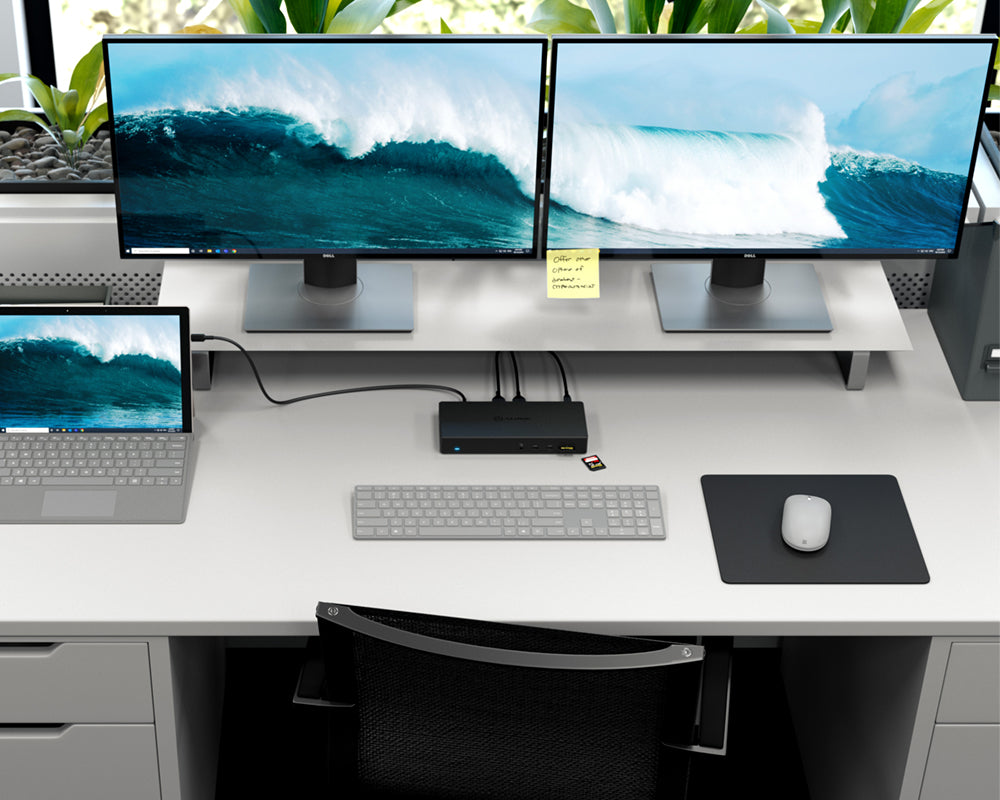
USB-C Triple Display DP Alt. Mode Docking Station - MA3 with 100W Power Delivery (Laptop Charging) - 2 x DP and 1 x HDMI with up to 4K 60Hz Support
Regular price
$359.95
Sale price
Regular price
$359.95
Couldn't load pickup availability
Specifications
Specifications
Downloads
Downloads
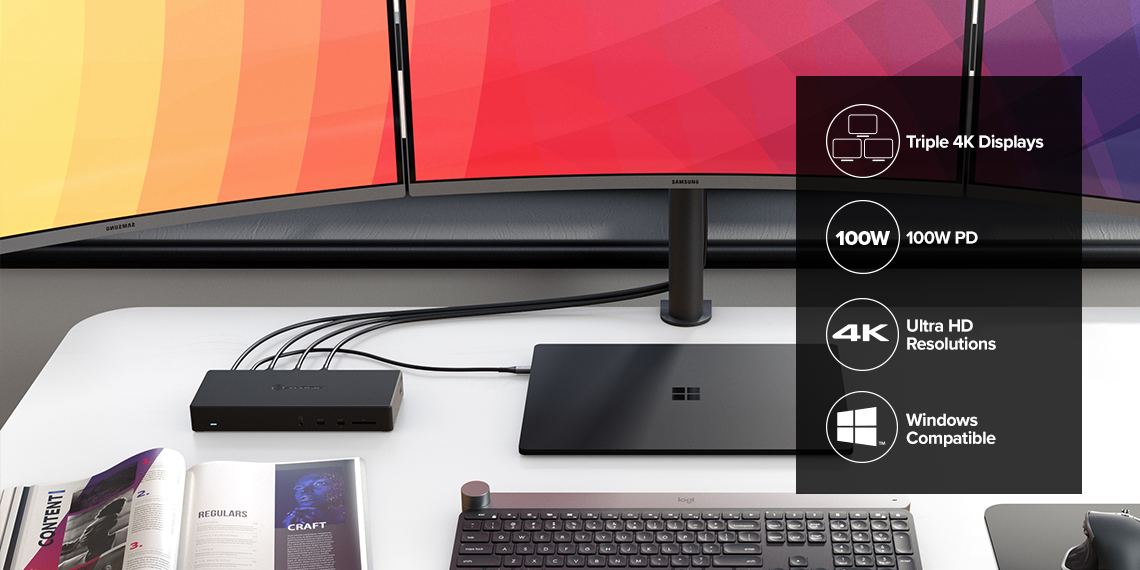
Triple Display
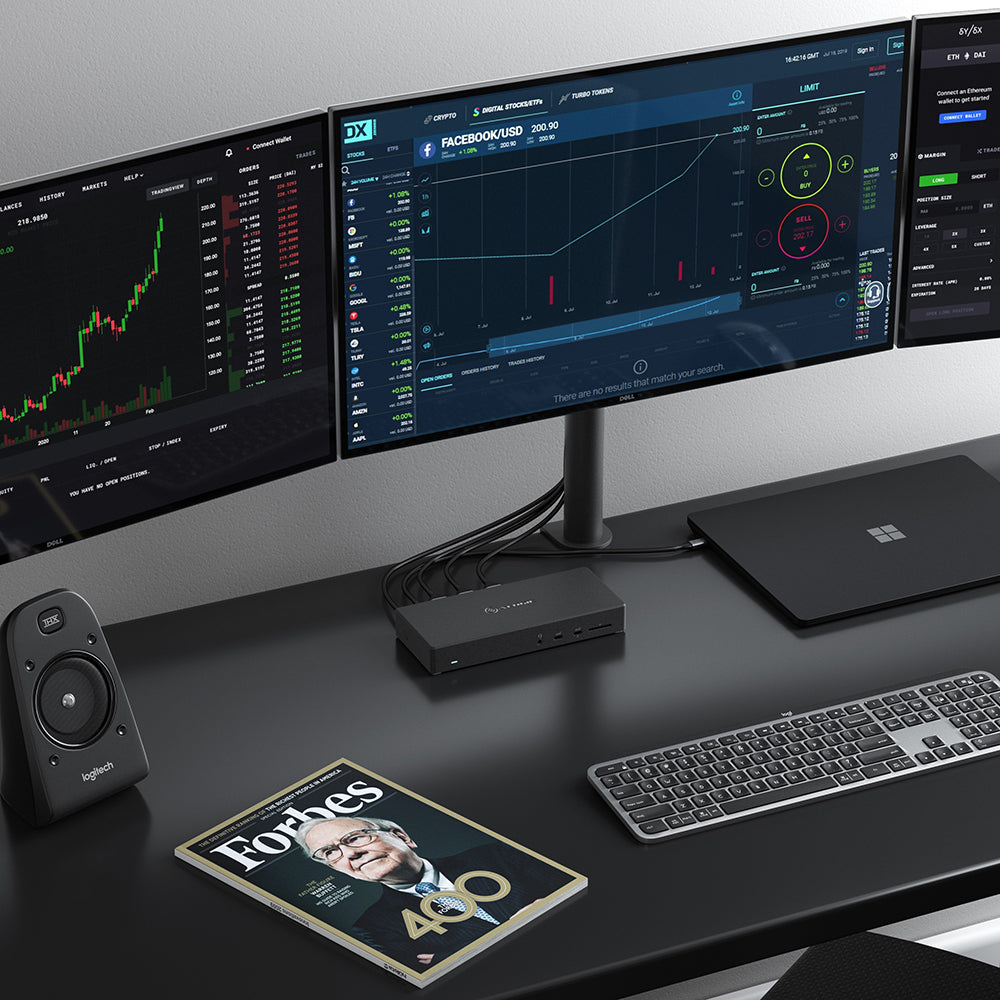
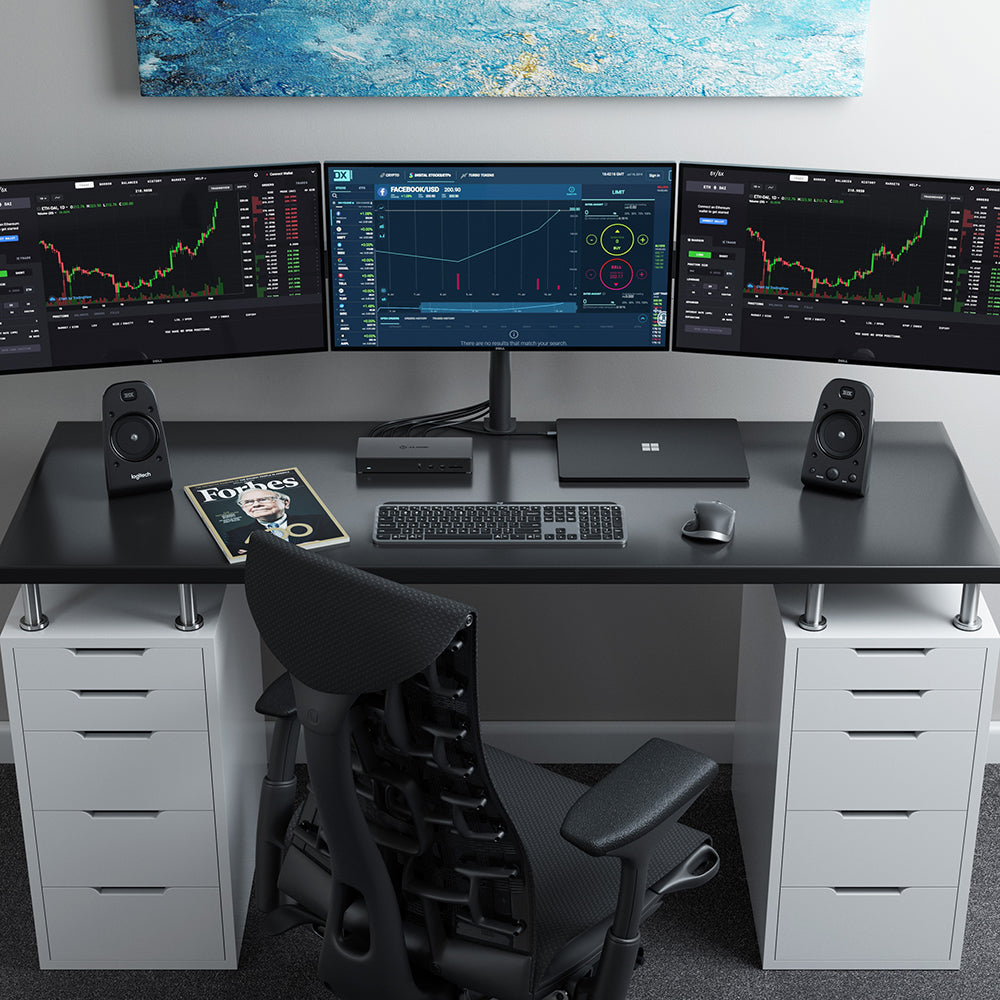
The MA3 dock can support up to three external displays via the 2 x DisplayPort (DP ++ / DP 1.4) and 1 x HDMI 2.0 outputs. The dock will support extension or mirroring across the three external displays when used with a Windows Laptop. *Refer to the resolution support table for details on different resolutions supported with the dock.
Comprehensive Connectivity
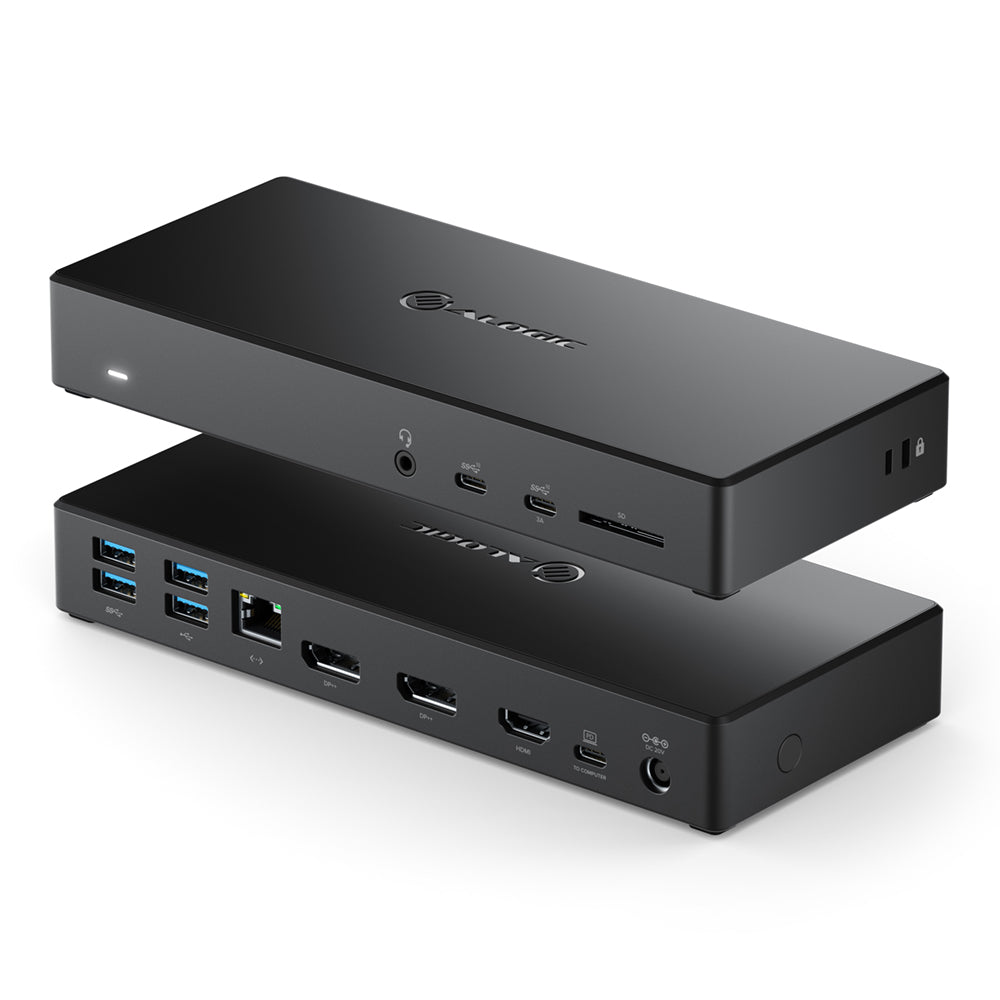
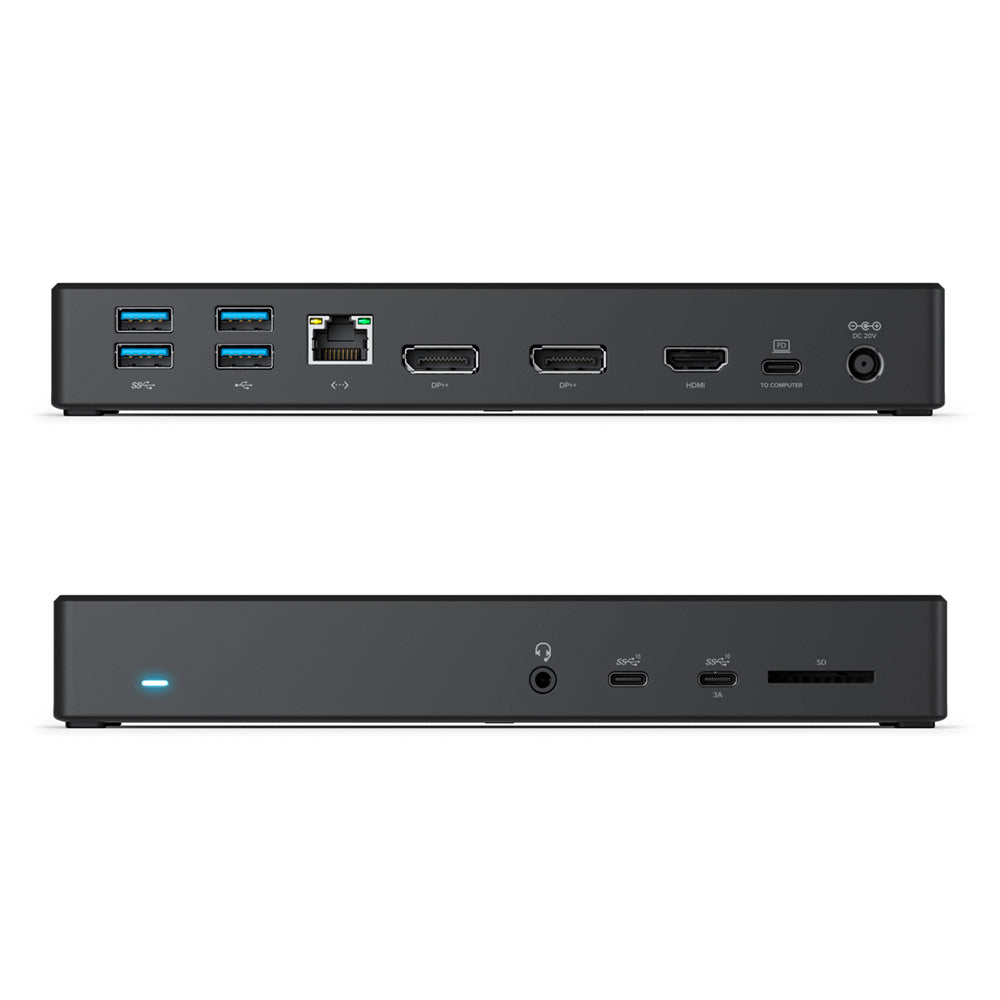
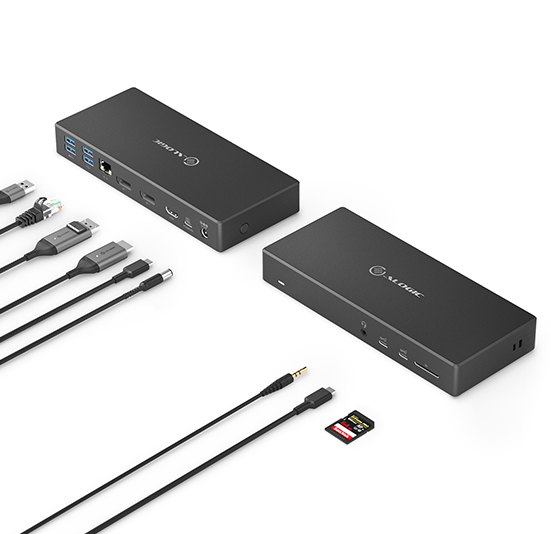
The MA3 dock supports up to three displays at resolutions of up to 4K*. In addition to the ability to connect external monitors, the dock provides access to a full range of connections with USB 3.1 Gen 2/10G USB-C and USB 3.1 Gen 1 and USB 2.0 USB-A Ports, Gigabit Ethernet, 3.5mm Combo Jack and SD Card The dock also features lock slots for securing it to a desk when being used in an office or a hot desking environment. *Refer to the resolution support table for details on different resolutions supported with the dock.
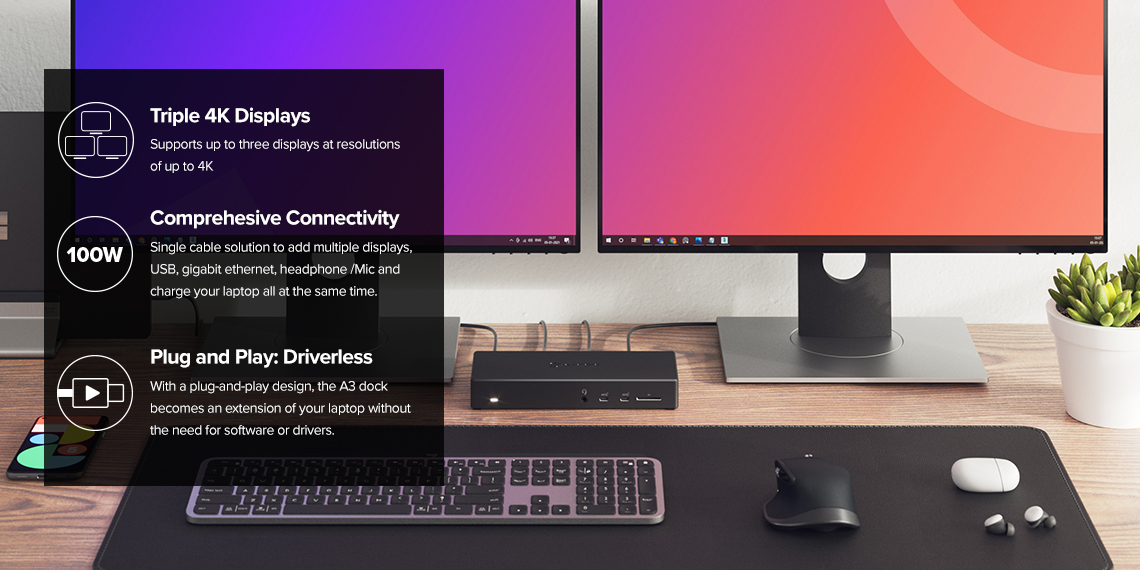
100W Laptop Charging/Power Delivery
The dock charges your laptop with up to 100W of power when in use. This allows for a perfect single cable solution to add multiple displays, USB accessories, gigabit ethernet, headphone/Mic and charge your laptop all at the same time.

Frequently Asked Questions
General
What maximum video resolution does the ALOGIC MA3 dock support?
On Windows laptops supporting DisplayPort 1.4 HBR3 with DSC, the ALOGIC MA3 Docking Station supports up to three extended 4K displays simultaneously (e.g., dual 4K @ 60Hz or triple 4K @ 30Hz). On macOS laptops, it supports a single extended 4K @ 60Hz display (connecting additional monitors will output mirrored content across all external screens due to native Apple OS MST restrictions).
Do I need to install software or drivers to use the ALOGIC MA3 dock?
No. The ALOGIC MA3 operates natively using USB-C DisplayPort Alternate Mode (DP Alt Mode) technology, making it completely driverless and plug-and-play across Windows, macOS, and ChromeOS host systems.
Does the ALOGIC MA3 dock come with a power adapter, and how much power does it supply to my laptop?
Yes. The ALOGIC MA3 Dock includes a high-capacity 170W AC power adapter in the box. It delivers up to 100W Power Delivery (PD 3.0) over the primary USB-C cable to fast-charge power-hungry laptops (including MacBook Pro 16", Dell XPS, Lenovo ThinkPad, and HP Spectre) while running attached peripherals.
What type of port is required on my computer to connect to the MA3 dock?
Your laptop must feature a USB-C or Thunderbolt 3/4/USB4 port that supports DisplayPort Alternate Mode (DP Alt Mode) for video transmission and USB Power Delivery (USB PD) for laptop charging. It is not compatible with legacy USB-A ports or USB-C ports that only support data transfer.
Will the ALOGIC MA3 dock support multiple extended displays on Apple MacBooks?
No. Because the MA3 relies on native USB-C DP Alt Mode (rather than DisplayLink software drivers), macOS restrictions limit external video output to a single extended display. For Mac users requiring dual or triple extended displays across Apple Silicon (M1/M2/M3) MacBooks, ALOGIC recommends DisplayLink-based docks like the DX3 or DV3.
What expansion ports are available on the ALOGIC MA3 Docking Station?
"The ALOGIC MA3 Dock provides a comprehensive set of 11 workstation expansion ports:
Video: 2x DisplayPort 1.4 / DP++ and 1x HDMI 2.0 outputs.
USB-C: 2x USB-C 3.1 Gen 2 ports (10Gbps with BC 1.2 & Apple fast charging support).
USB-A: 2x USB-A 3.1 Gen 1 ports (5Gbps) and 2x USB-A 2.0 ports (ideal for wireless keyboard/mouse dongles).
Networking & Audio: 1x RJ45 Gigabit Ethernet port (1Gbps) and 1x 3.5mm combo audio/mic jack.
Storage & Security: 1x SD Card Reader and integrated security lock slots."
Video: 2x DisplayPort 1.4 / DP++ and 1x HDMI 2.0 outputs.
USB-C: 2x USB-C 3.1 Gen 2 ports (10Gbps with BC 1.2 & Apple fast charging support).
USB-A: 2x USB-A 3.1 Gen 1 ports (5Gbps) and 2x USB-A 2.0 ports (ideal for wireless keyboard/mouse dongles).
Networking & Audio: 1x RJ45 Gigabit Ethernet port (1Gbps) and 1x 3.5mm combo audio/mic jack.
Storage & Security: 1x SD Card Reader and integrated security lock slots."
